Article Content
| Overview |
| User Account Requirements |
| Navigation |
| Adding Review Remarks to an Issue |
Overview
Before an Issue Team member can close an Issue, they first must fill out the Review Remarks field
User Account Requirements
The user account used to log into Resolver must be added to the Issue Team user group.
Navigation
- From the Home screen, click the Home dropdown.
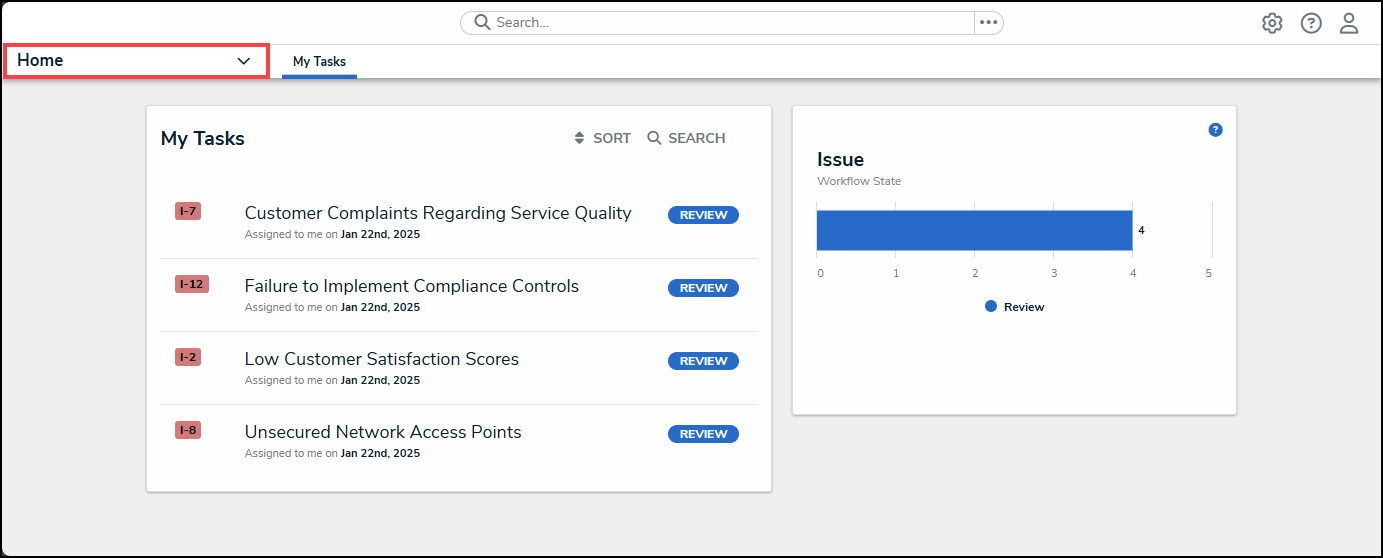
Home Dropdown
- From the Home dropdown menu, select the Issue Management link.
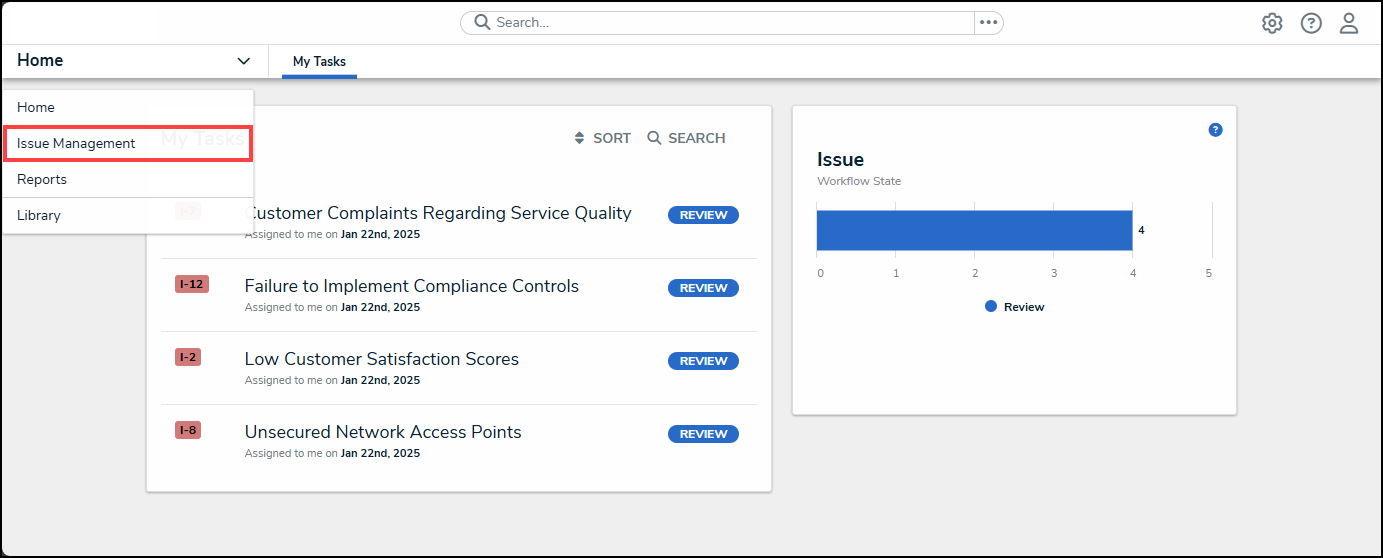
Issue Management Link
- From the Details tab, click the Review tab.
Review Tab
- From the Review screen, enter an Issue Name in the Search field to narrow down the search results list.
Serach Field
- Click on an Issue link.
Issue Link
Adding Review Remarks to an issue
- From the Details tab, thoroughly review the Issue.
Details Tab
- Scroll to the Closing Details section and click on the Review Remarks field to enter review remarks for the Issue. Review Remarks should summarize the Issue, resolution, and further actions.
Review Remarks Field