Article Content
| Overview |
| User Account Requirements |
| Navigation |
| Moving an Issue in Review Status to an Open Status |
Overview
An Issue in the Review Status can be sent back to an Open Status if more information is required, the Issue is not resolved, or there are Corrective Actions that are still open on the Issue.
User Account Requirements
The user account used to log into Resolver must be added to the Issue Team user group.
Navigation
- From the Home screen, click the Home dropdown.
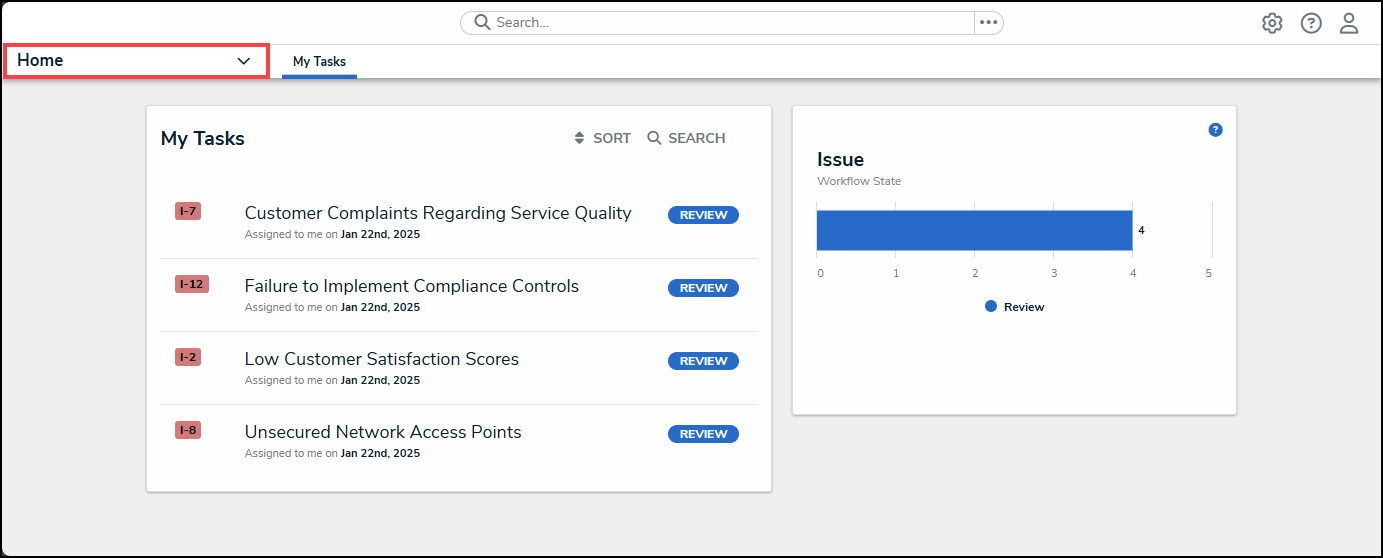
Home Dropdown
- From the Home dropdown menu, select the Issue Management link.
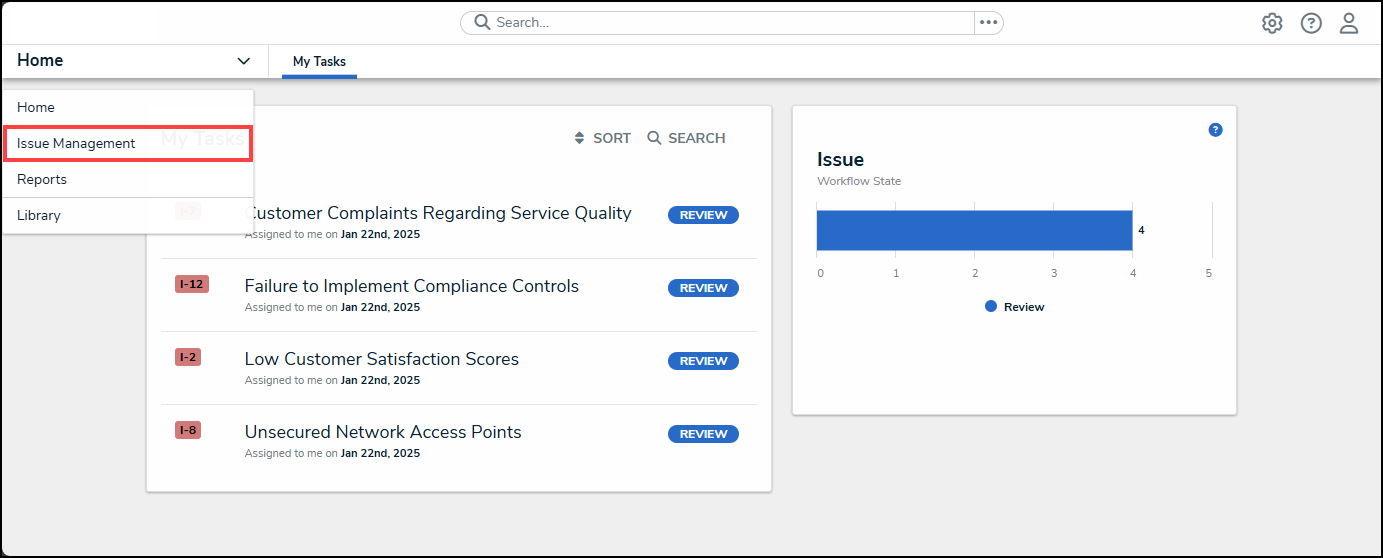
Issue Management Link
- From the Details tab, click the Review tab.
Review Tab
- From the Review screen, enter an Issue Name in the Search field to narrow down the search results list.
Serach Field
- Click on an Issue link.
Issue Link
Moving an Issue in Review Status to an Open Status
- From the Details tab, scroll to the bottom of the screen.
Details Tab
- Click the Remediation Required button.
Remediation Required Button
- The Review screen will appear with a system-generated notification indicating that the Issue was moved back to an Open status. The Issue can be found on the Open screen.
System-Generated Notification