Article Content
| Overview |
| Navigation |
| Adding a Location Through a Dispatch |
Overview
If the desired location cannot be found, a User can add a new location to the system while create a Dispatch. You will not be able to create temporary locations unless you have the appropriate permissions in your profile.
Navigation
- From the Home screen, click on the Create Icon.
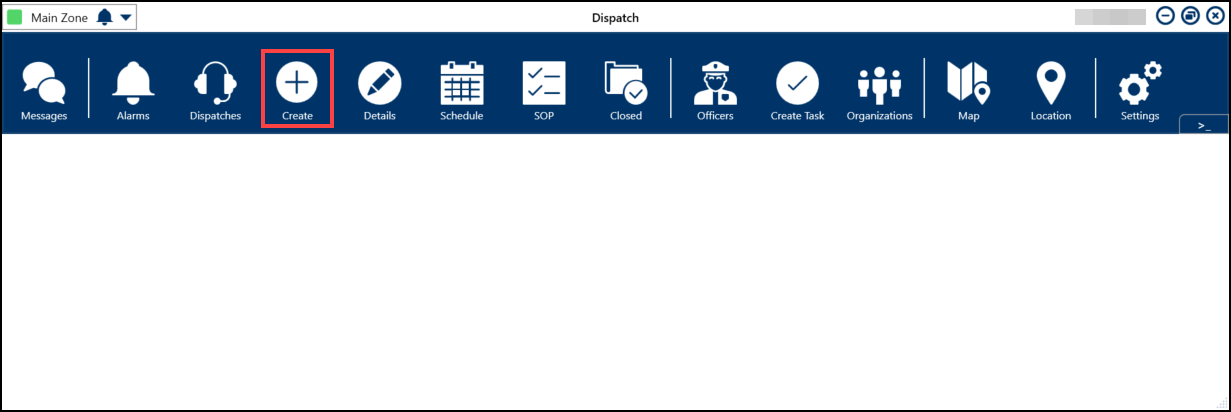
Create Icon
Adding a New Location Through a Dispatch
- Clicking the Add Icon in the Search Location field.
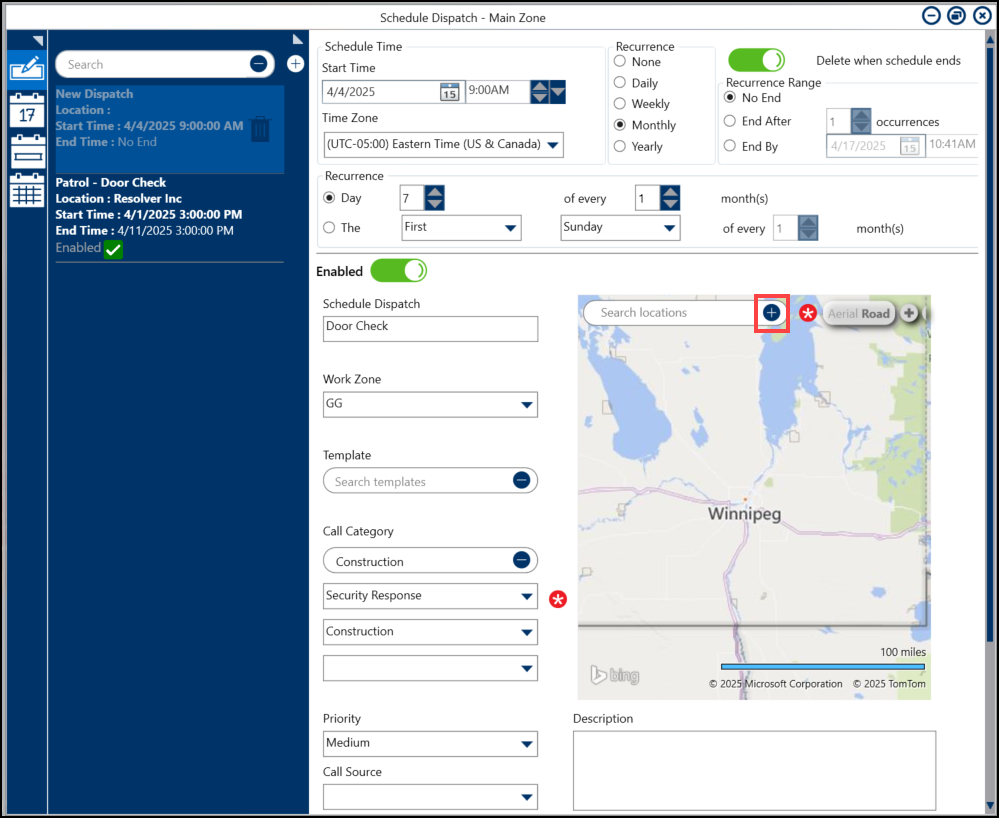
Add Icon
- Click a location on the Map.
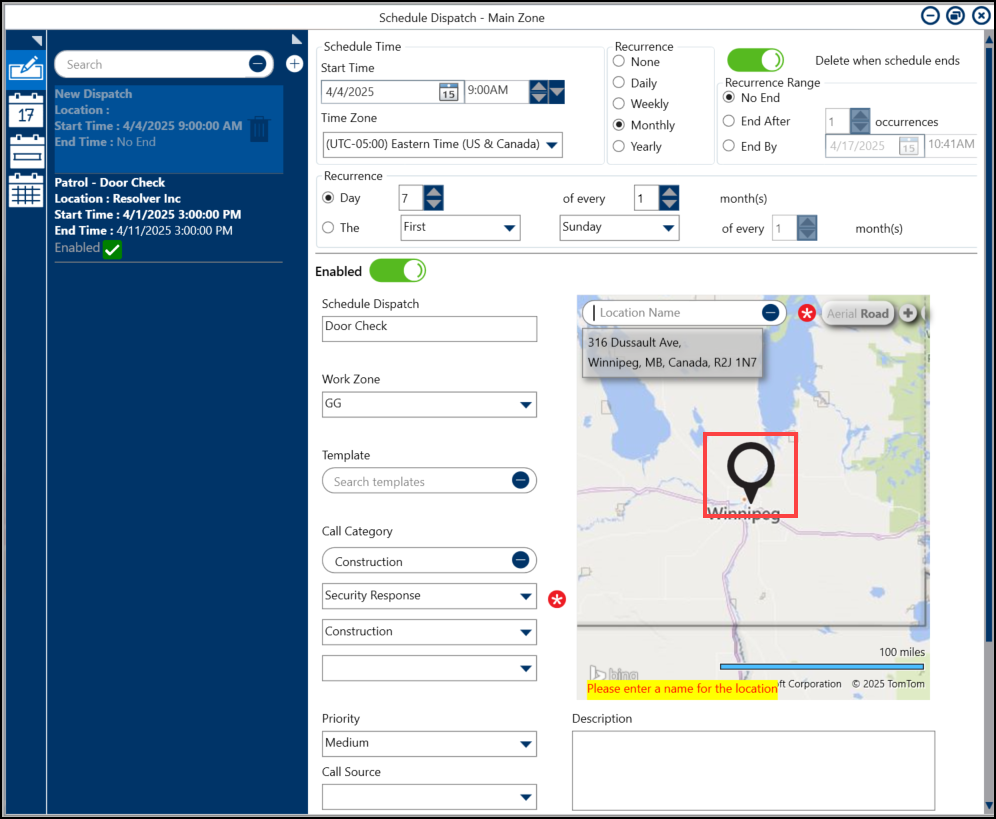
Map
- Enter the location name in the Location Name field.
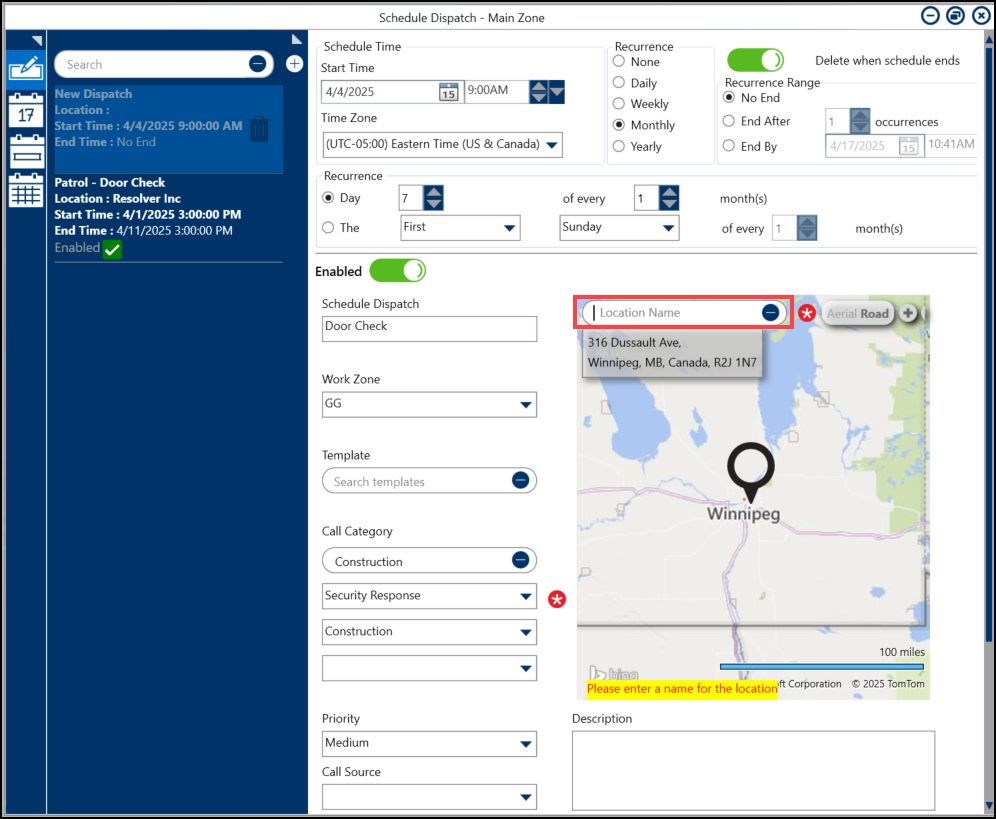
Location Name Field