Article Content
| Overview |
| User Account Requirements |
| Related Information/Setup |
| Navigation |
| Opting Out of Multi-Factor Authentication for a User through User Management |
Overview
If a user has multi-factor authentication (MFA) set up but needs to access a specific Org without MFA, an Administrator can disable MFA for that Org either through the User Management screen or API (Swagger).
User Account Requirements
Only Administrators can opt users out of MFA on their Org.
Related Information/Setup
Please refer to the Multi-Factor Authentication User Setup article for more information on setting up users with MFA.
Navigation
- From the Home screen, click the Administration icon.
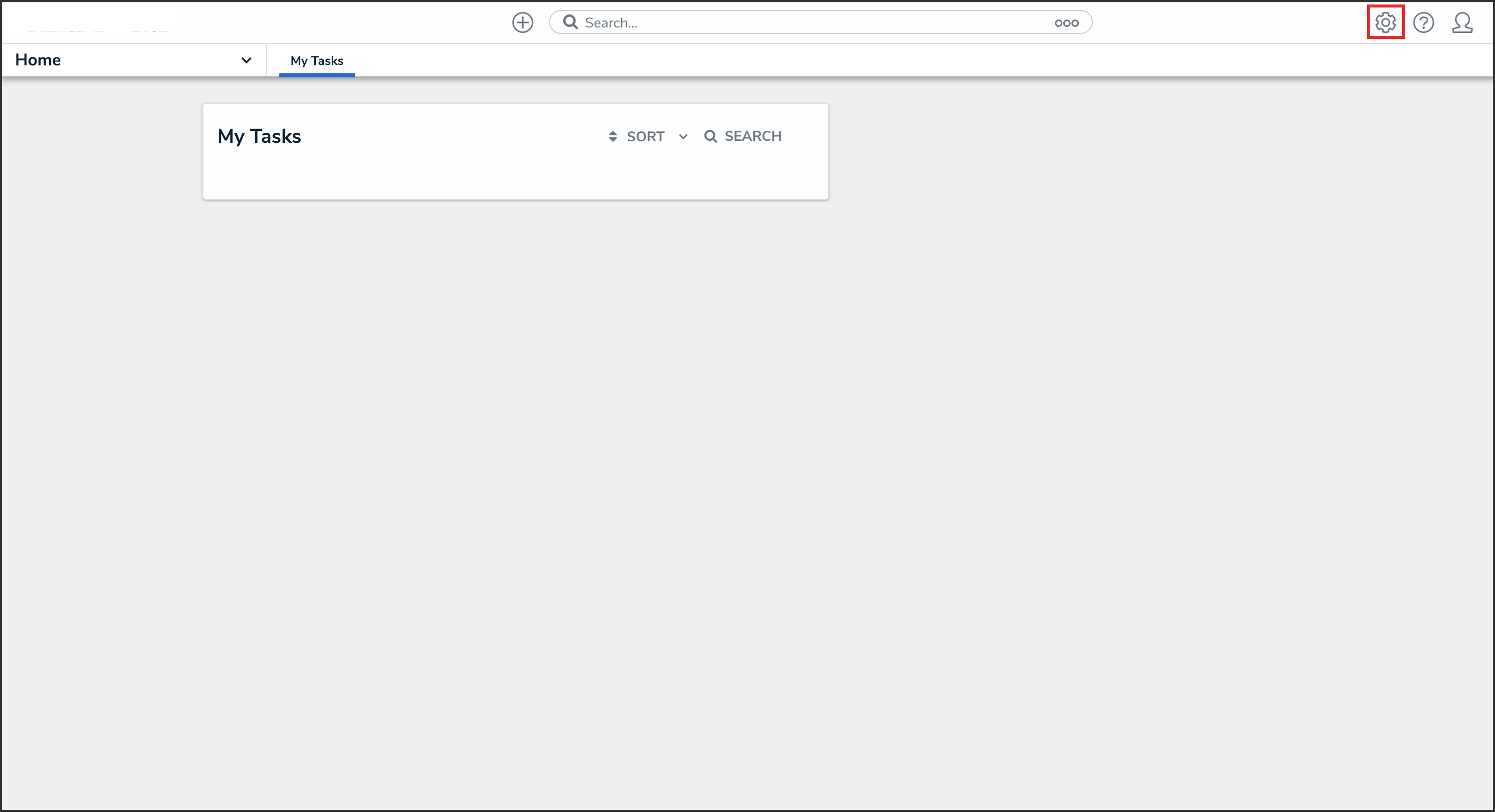
Administration Icon
- From the Administrator Settings menu, click User Management.
Administrator Settings Menu
- Search the name of the user you want to opt out of MFA and click their name.
User Name
Opting Out of Multi-Factor Authentication for a User through User Management
- From the User Management: Edit User screen, navigate to the Account Status section.
Account Status Section
- Click the Enforce org-level MFA toggle switch to turn it off to opt the user out of MFA for that Org.
Enforce Org-Level MFA Toggle Switch