Article Content
| Overview |
| Navigation |
| Enabling the Autoclose for Officer-Created Dispatches Feature |
Overview
The Autoclose for Officer-Created Dispatches system setting automatically closes Dispatches created in the Officer Mobile app once the task is cleared. The Report to Follow radio button defaults to Yes, and the Activity Owner field is set to the Officer assign to the Dispatch when the Dispatch is closed.
This feature should only be used when Officers are creating Dispatches and fully managing them in Officer Mobile. If any tasks are progressed (e.g., status updated) in the Dispatch application, or if any additional tasks are created with another officer assigned, the Dispatch will not auto close.
Navigation
- From the Home screen, click the Settings icon.
Settings Icon
- From the Settings screen, click the System Settings icon.
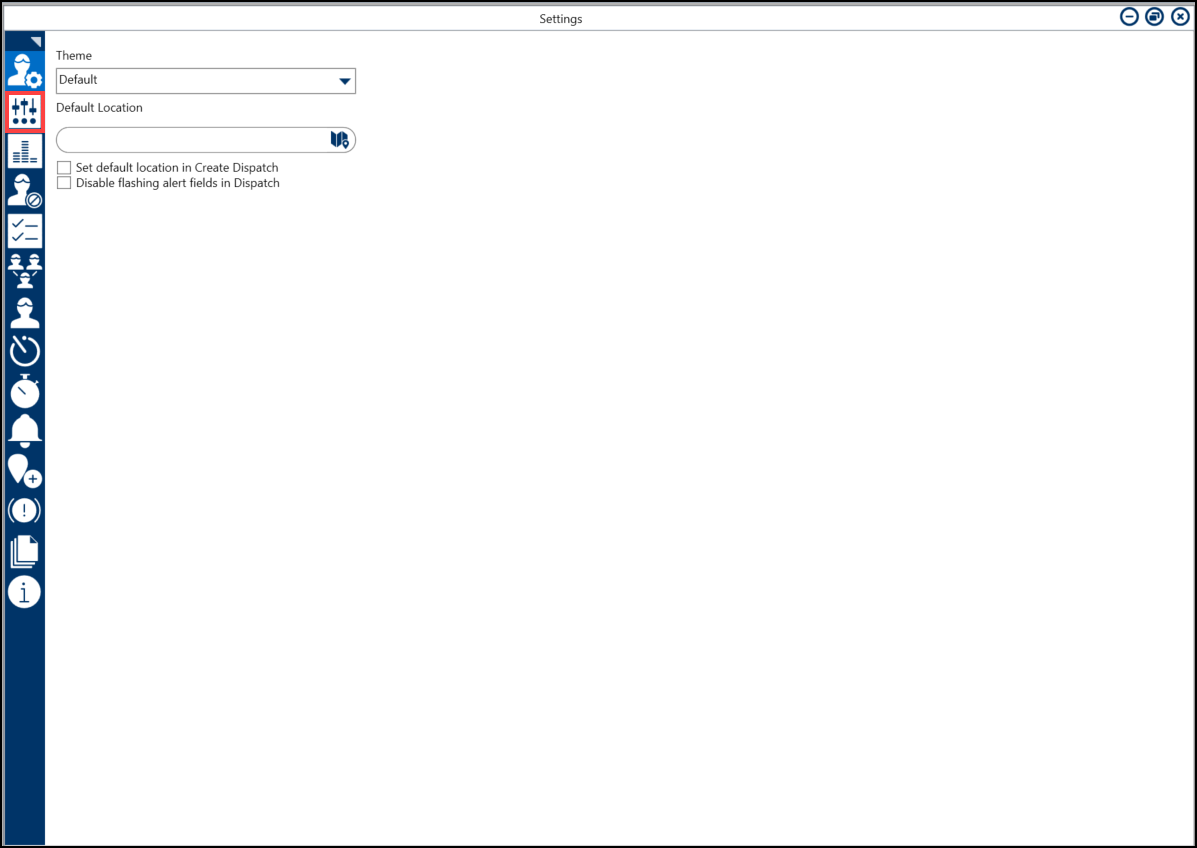
System Settings Icon
Enabling the Autoclose for Officer-Created Dispatches Feature
- From the System Settings screen, click the Autoclose Officer-created dispatches (in Officer Mobile) when task is cleared toggle switch to enable the feature in Officer Mobile.
Autoclose Officer-created dispatches (in Officer Mobile) when task is created Toggle Switch