Article Content
Overview
From the Branding screen, Administrators are able to add their organization’s logo to the header of their Resolver instance.
For a logo image to be compatible, it must be approximately:
- 15:4 ratio
- 210 x 56px at 72 DPI
- A maximum of 2MB
- PNG (recommended), JPEG, JPG, or GIF format
Note: When using Dark Mode, for best results, Resolver recommends using a PNG image with a transparent background. |
User Account Requirements
The user must have Administrator permissions or Settings Management advanced permissions in order to access the Branding screen and add an organization logo.
Related Information/Setup
Please refer to the Branding Overview article for more information.
Navigation
-
From the Home screen, click the Administration icon.
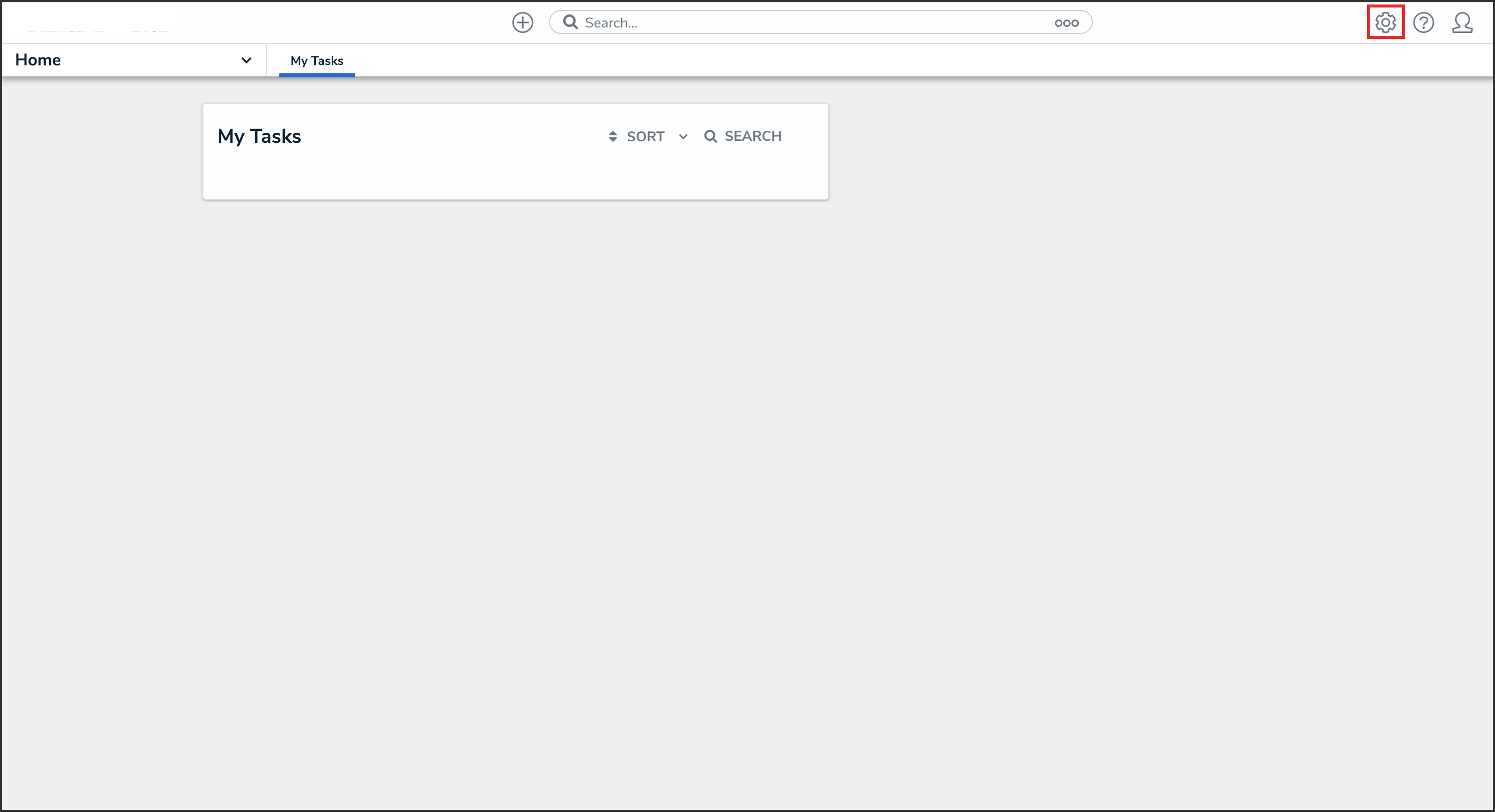
Administration Icon
-
From the Administrator Settings menu, click Branding.
Administrator Settings
Adding an Organization Logo
-
From the Branding screen, drag and drop or click to select an image under Organization Logo.
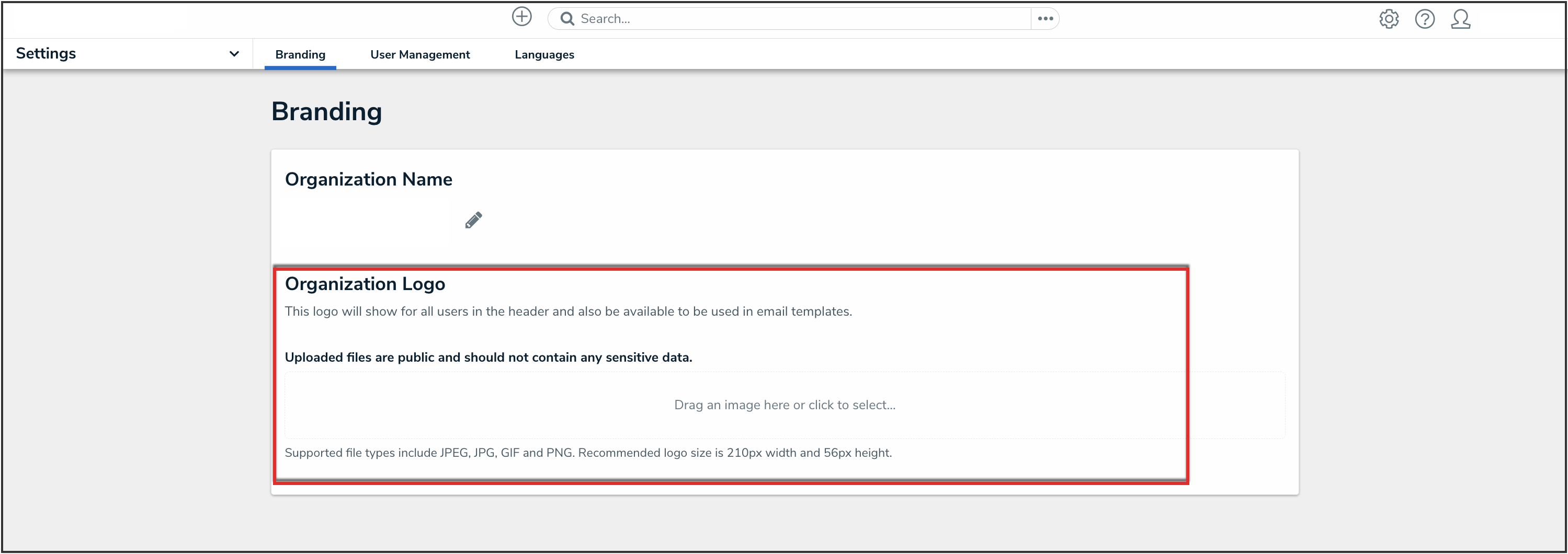
Organization Logo
