Article Content
| Overview |
| User Account Requirements |
| Related Information/Setup |
| Navigation |
| Resetting Multi-Factor Authentication Through Swagger |
Overview
If a user loses access to their authenticator app (e.g. mobile phone is lost) or over-writes their account credentials accidentally (i.e. adds account for Sandbox environment), an Administrator can reset multi-factor authentication (MFA) for the end user either through the User Management screen or API (Swagger).
User Account Requirements
Only Administrators can reset MFA for users on their Org.
Related Information/Setup
Please refer to the Multi-Factor Authentication Setup article for more information on setting up users with MFA.
Navigation
- From the Home screen, click the Administration icon.
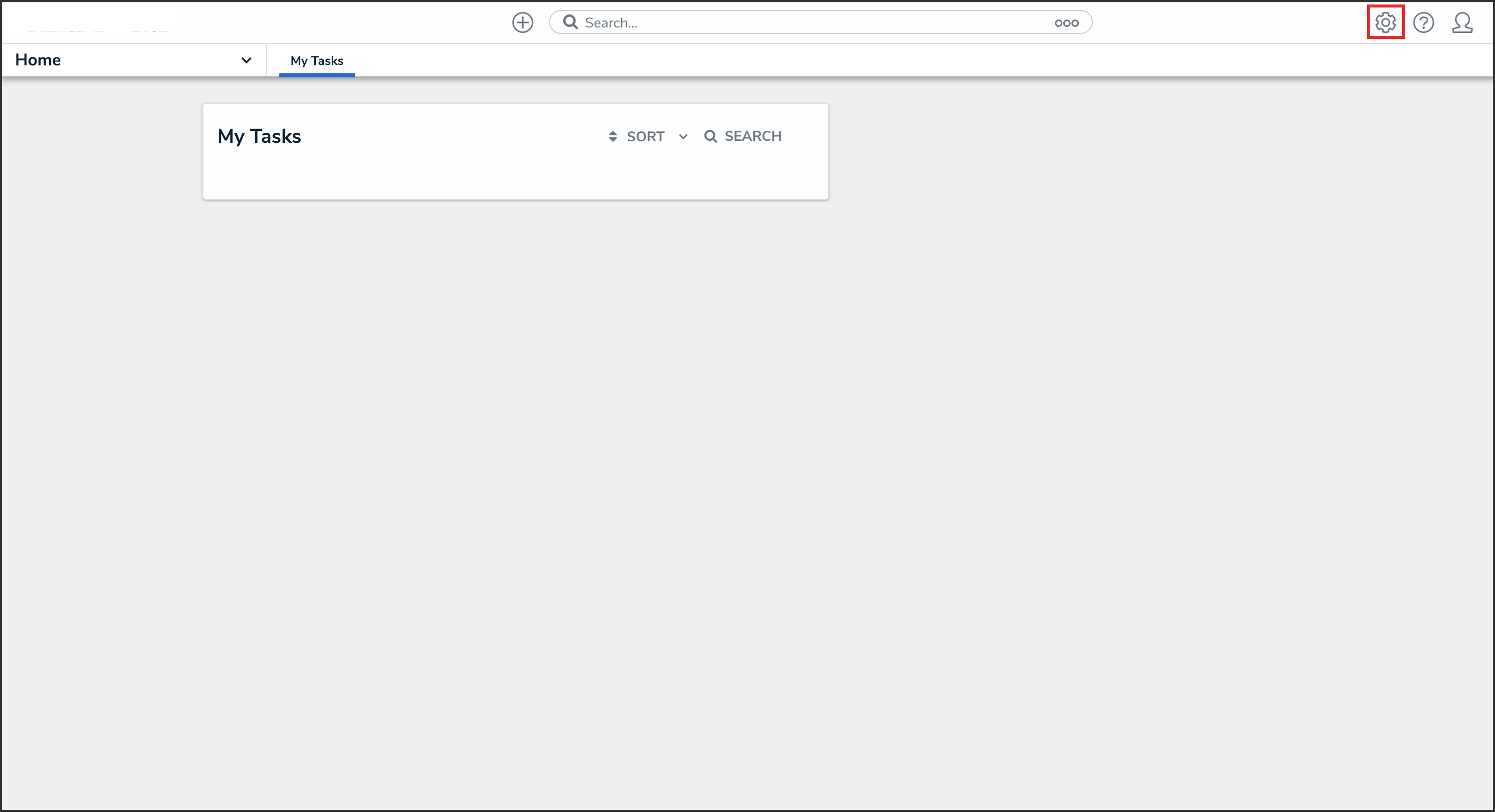
Administration Icon
- From the Administrator Settings menu, click Admin Overview.
Administrator Settings Menu
- From the Admin Overview screen, click the Swagger Docs tile under the Tools section.
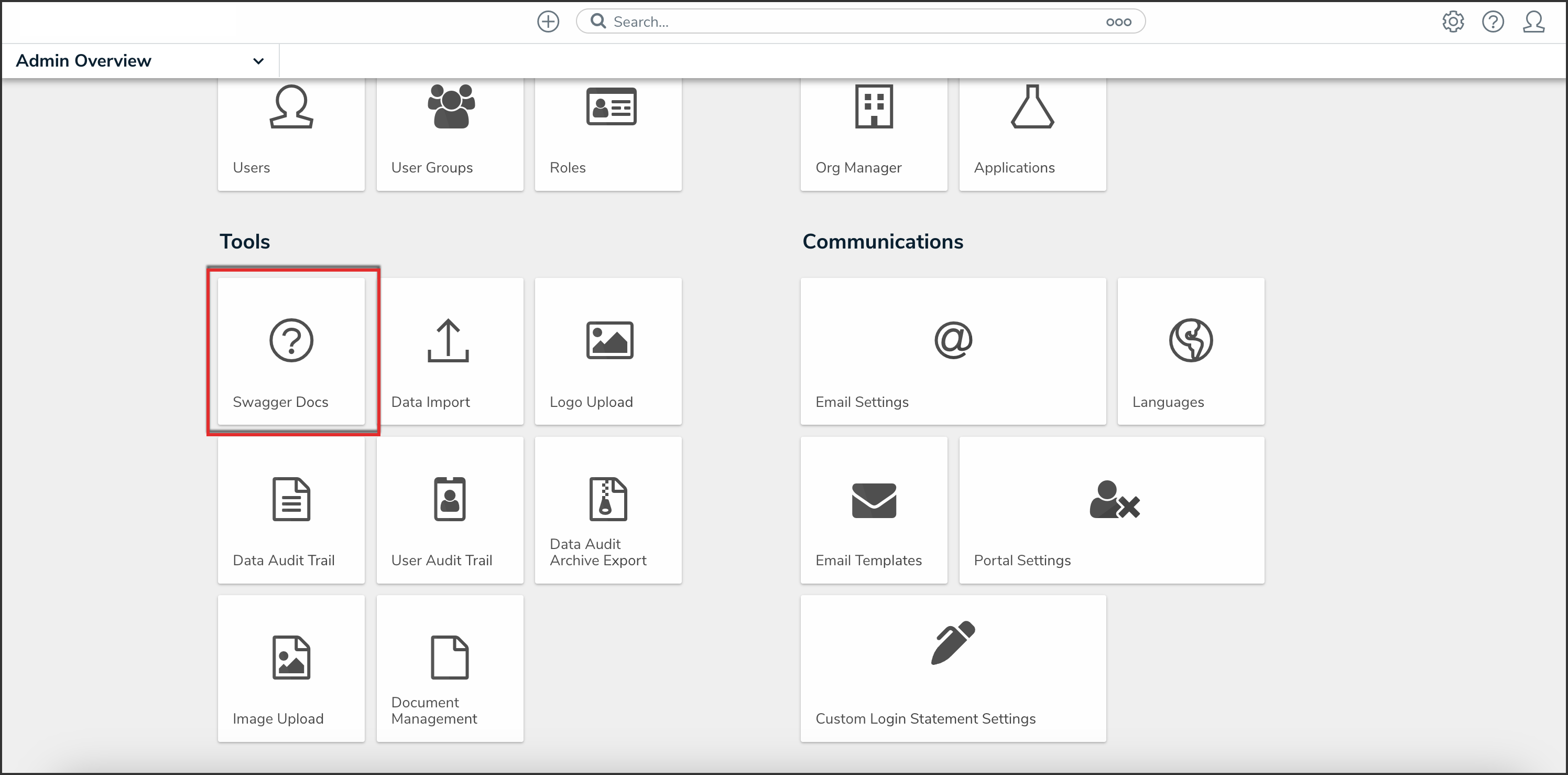
Swagger Docs Tile
- From the Admin: Help screen, click the user topic to expand the list of endpoints and click Put /user/users/mfa/reset to open the parameters.

API Endpoint
Resetting Multi-Factor Authentication through Swagger
- Click the example value to load the call into the body.

Example Value
- In the body section, replace the value 1 with the user ID. For information on how to retrieve a user ID, click here.
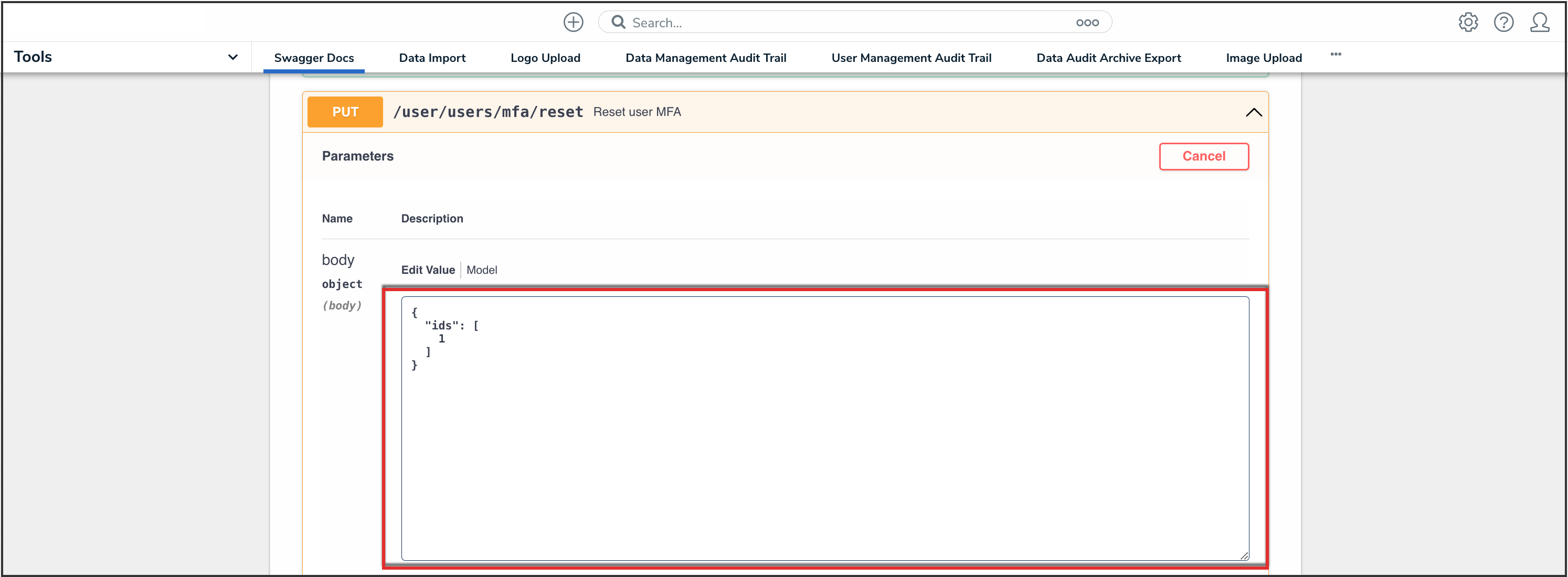
User ID Value
- Click the Execute button to execute the API call.
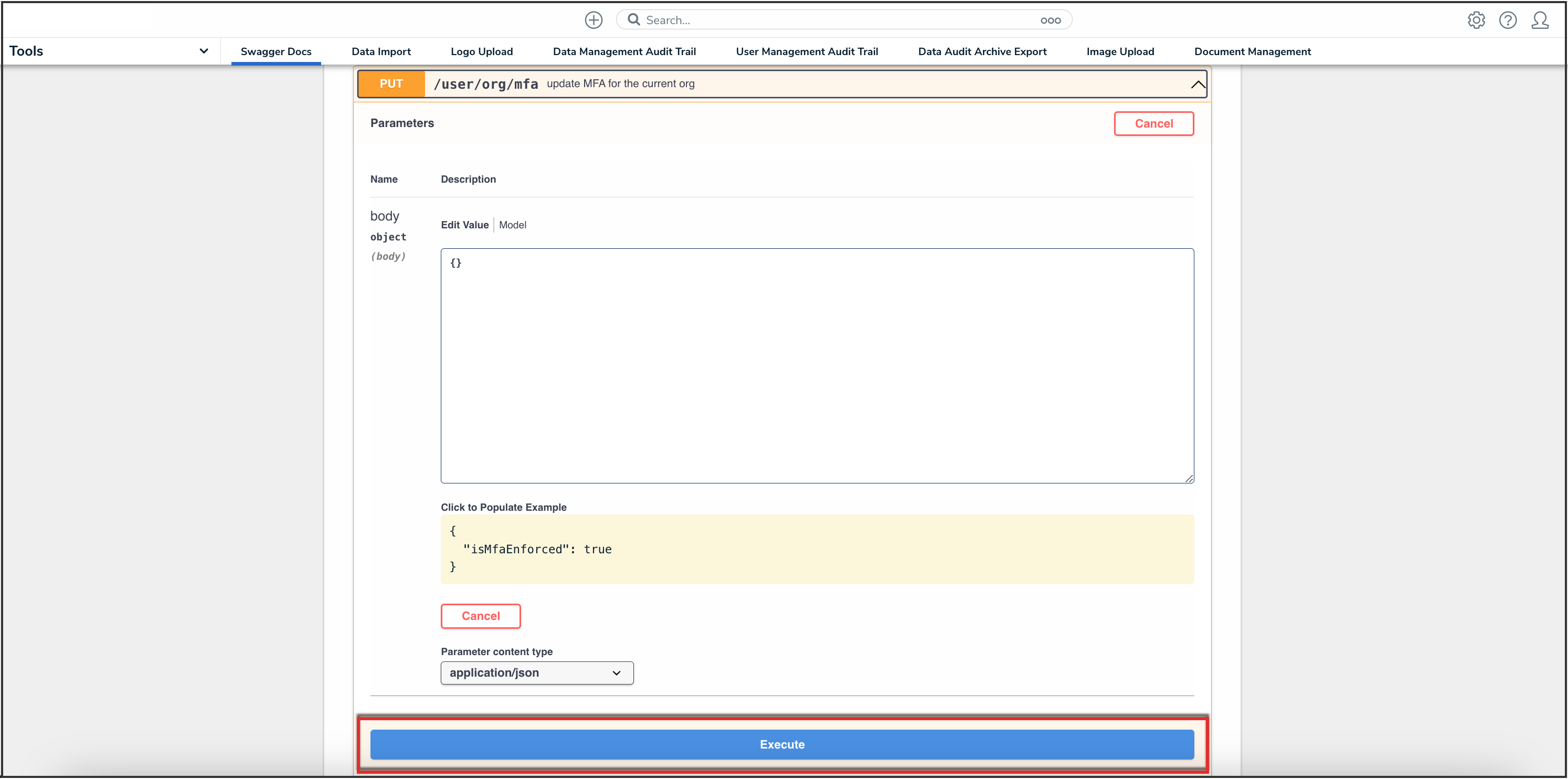
Execute Button