Article Content
| Overview |
| Related Information/Setup |
| Navigation |
| Loading & Caching Report Data |
Overview
To reduce loading times, previously loaded report data, including data refined through end user-applied filters, is cached for up to an hour, preventing the need to regenerate data every time a report is viewed within this 60-minute period.
Reports can be reloaded by clicking the Refresh icon.
 |
Note: Caching is not available for data grids. |
Related Information/Setup
To learn more about reports, read the Reports Overview article.
Navigation
- From the Home screen, click the Home dropdown.
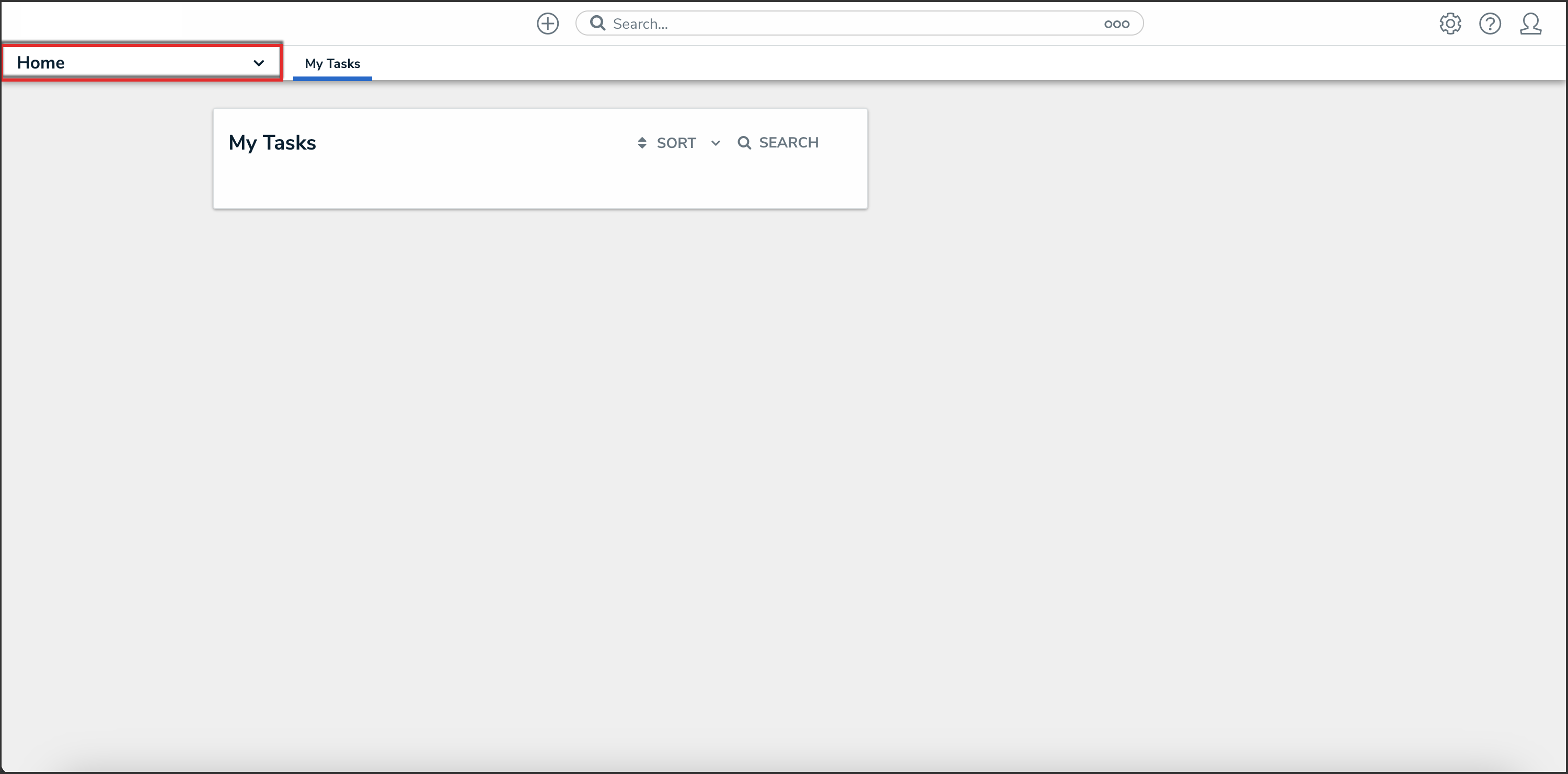
Home Dropdown
- From the Home dropdown, select the Reports application.
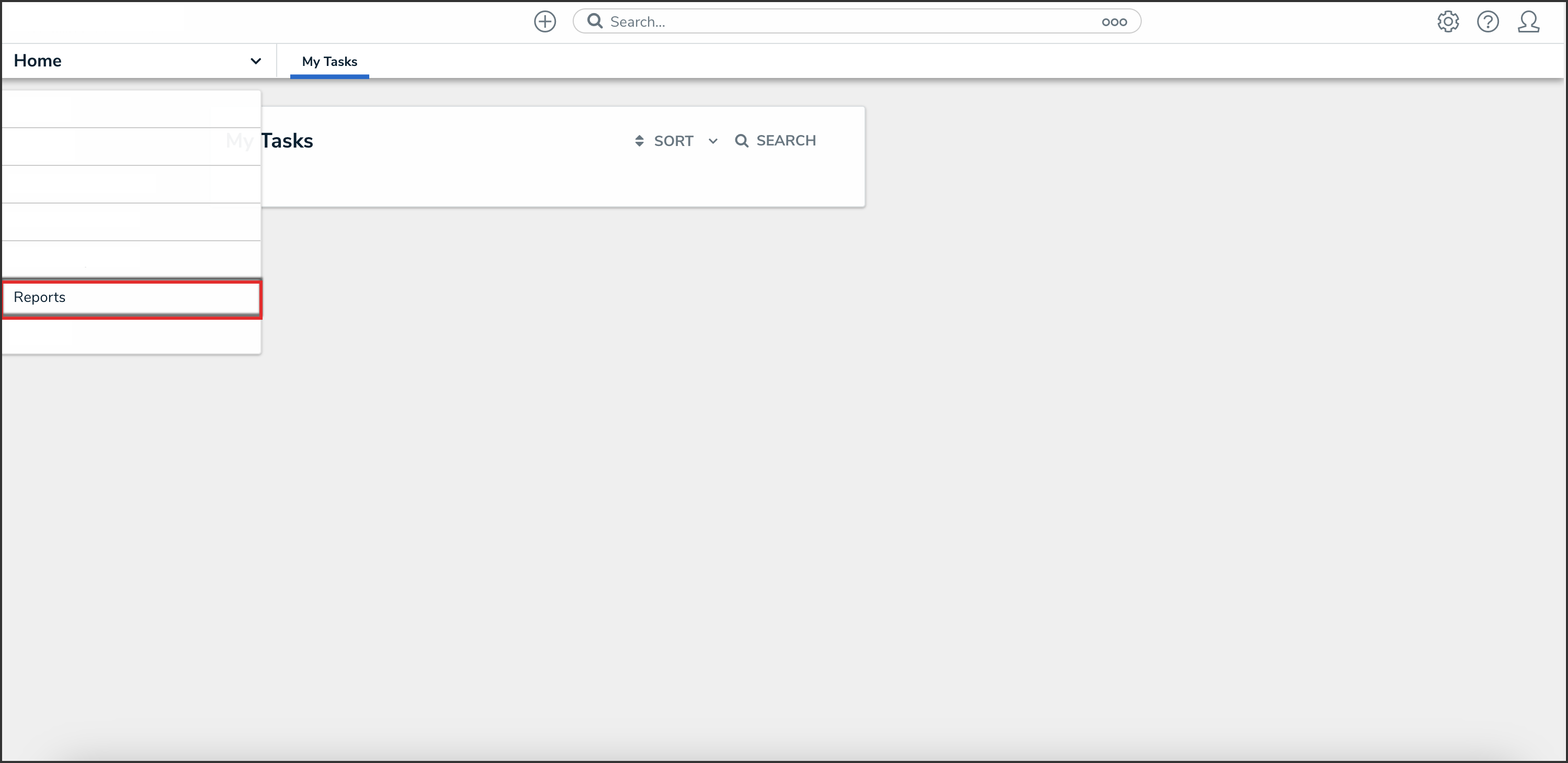
Reports Application
- From the list of reports, click the report that you want you to view.
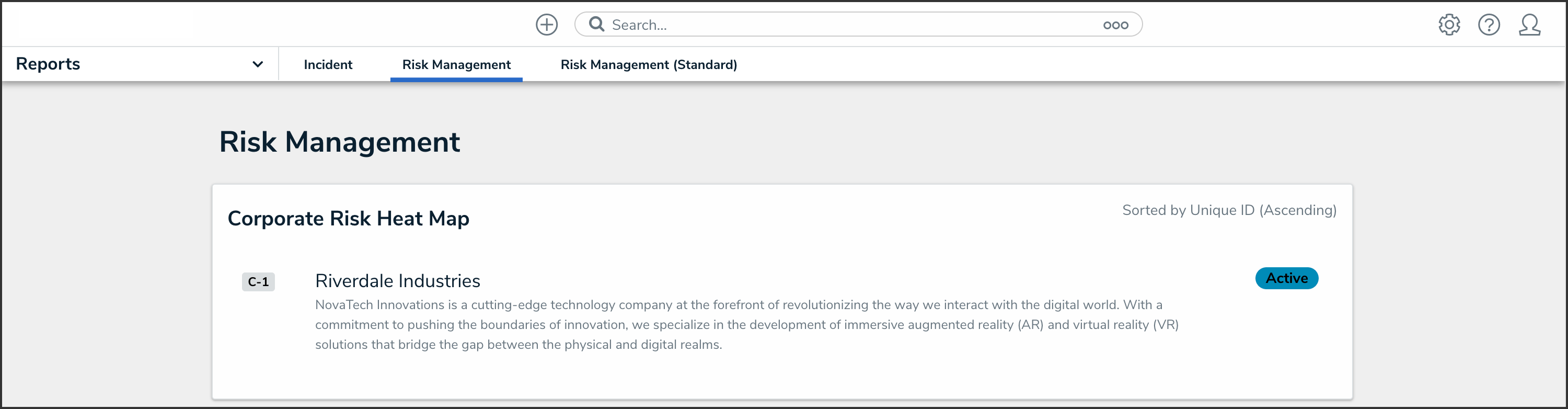
Report Name
Loading & Caching Report Data
Cached reports do not refresh automatically to show the most recent data. To show the most recent report data:
-
- From the report you want to view the most recent data of, refresh your browser or click the Refresh icon.
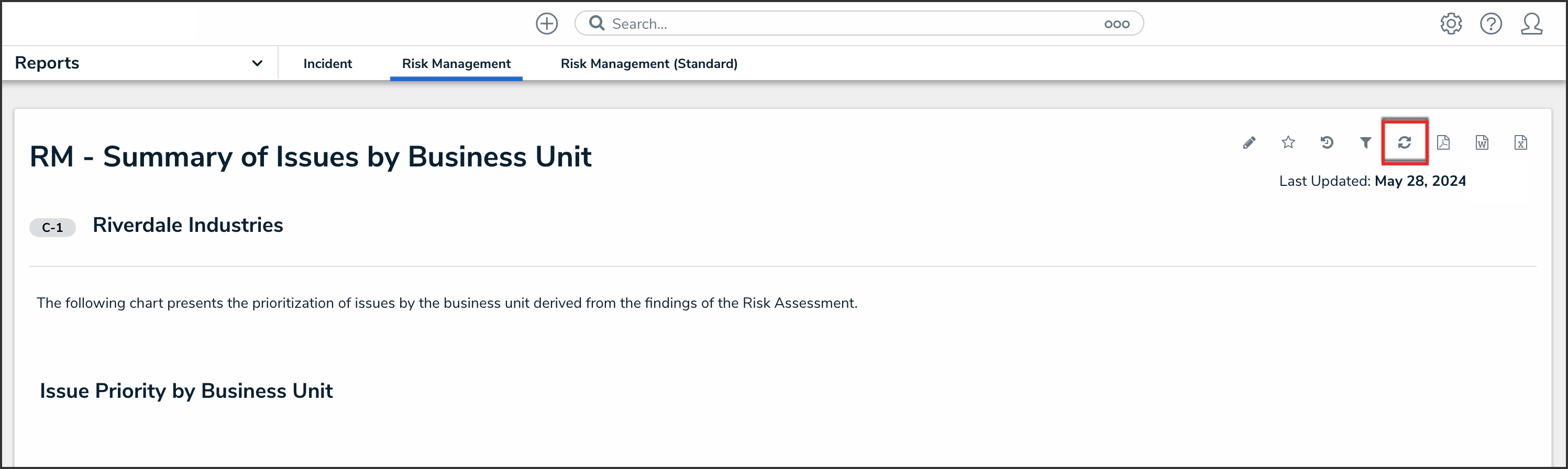
Refresh Icon